Sending a Client Questionnaire
Instead of going back and forth over email collecting event details, send your client a single link. They fill out a structured form, and you get everything you need to build their timeline.
Creating a questionnaire
In your dashboard, go to Clients. On any client card, click "Questionnaire."

If the client has an email on file, clicking "Send & Copy Link" will email the invitation directly from EventRundown and copy the link to your clipboard. The email includes your name, a brief explanation, and a branded "Fill Out Form" button.
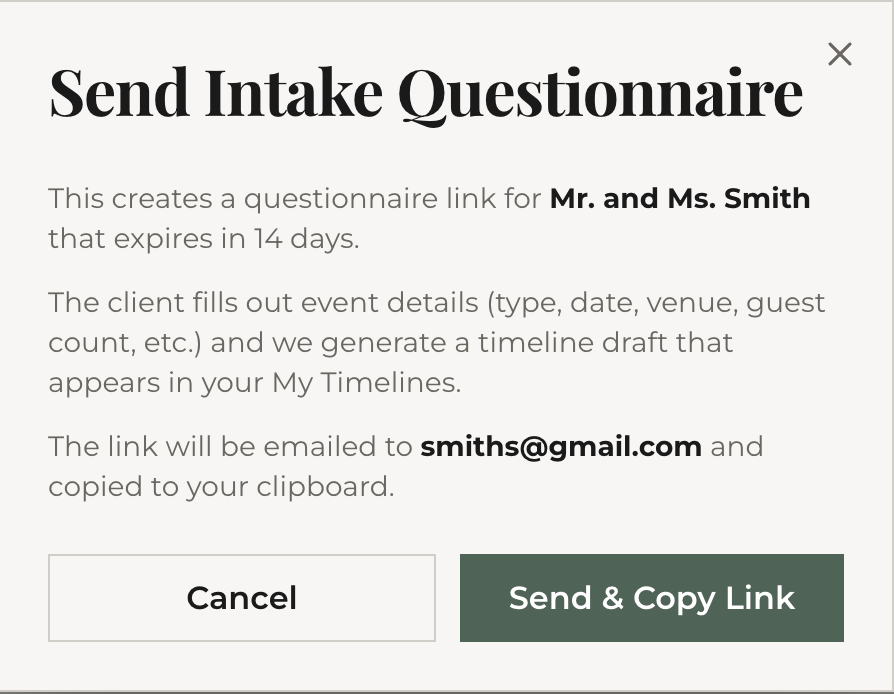
If the client doesn't have an email, the button says "Create & Copy Link" — you get the link to share yourself via text, email, or any messaging app.
The link is public — your client doesn't need an EventRundown account to fill it out. It expires after 14 days by default.

What your client sees
Your client lands on a branded form (with your name as the planner) that walks them through two steps:
- Event basics — event type, date, location, guest count, start and end times
- Details — specific preferences, must-have moments, vendors they've already booked, budget range, and any special notes
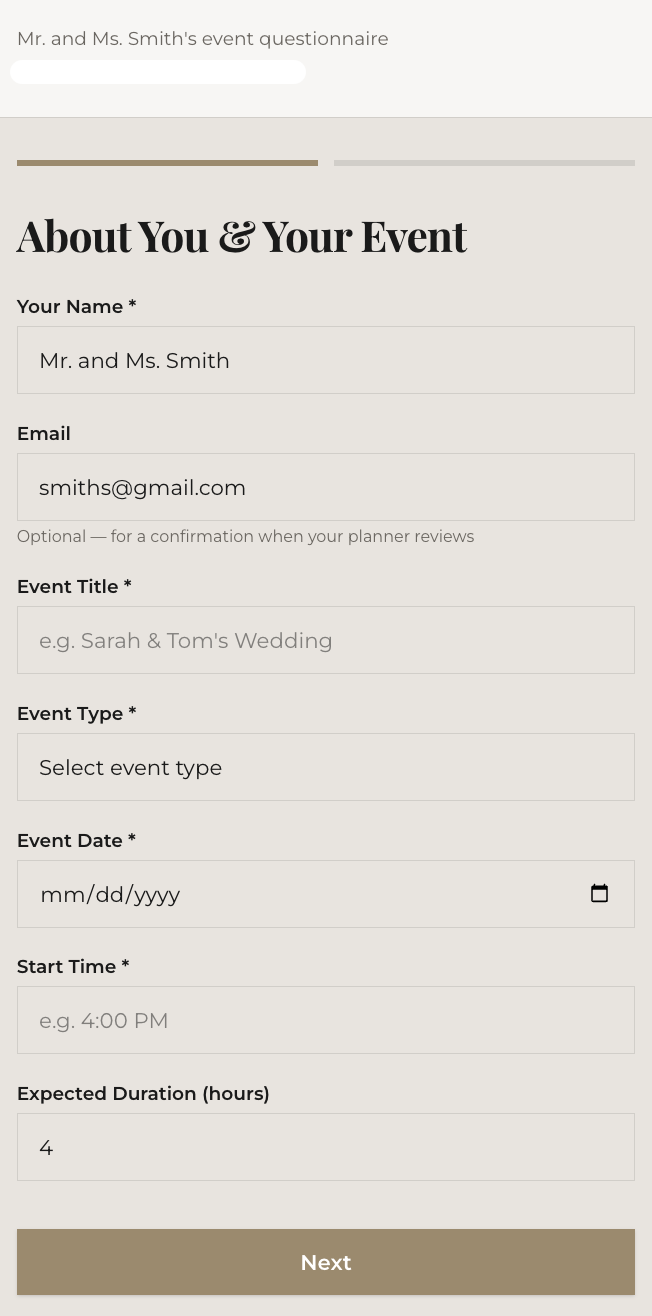
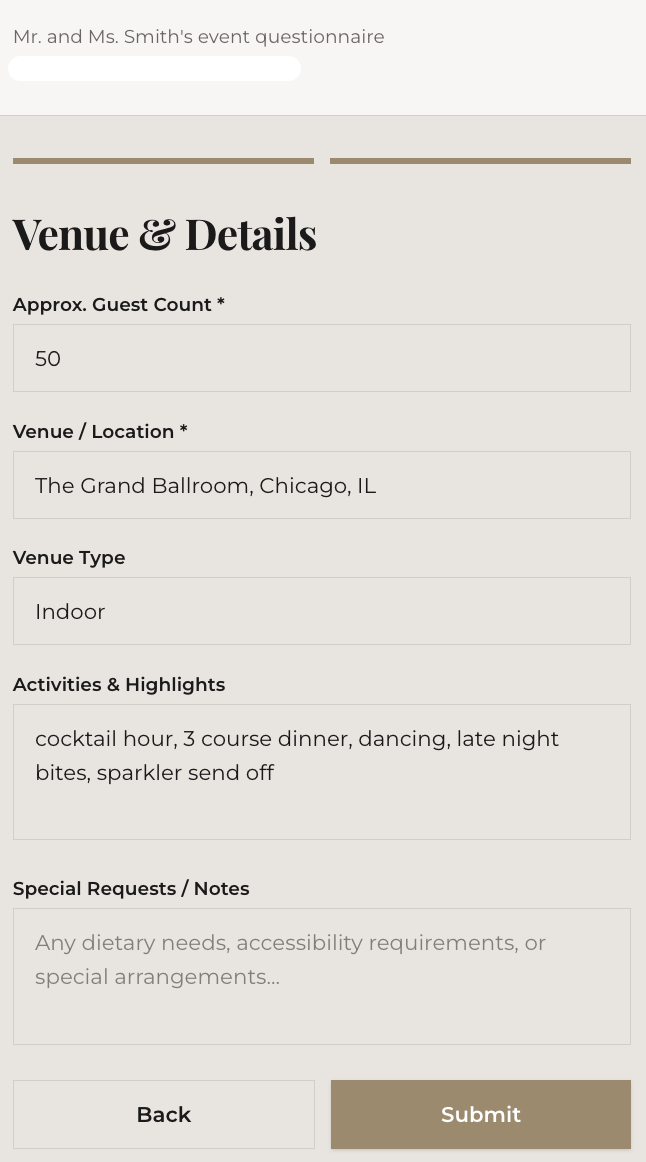
The form is mobile-friendly. Most clients complete it in 5-10 minutes.
Locking fields
Once your client fills in certain details, you may want to lock those fields so they can't be accidentally changed. Open the questionnaire and click "Lock All Filled Fields" — this freezes every field that has a value. Locked fields appear greyed out to the client. You can unlock individual fields at any time.
Field locking is enforced server-side, so clients can't bypass it even with browser tools.
Comments
Both you and your client can leave comments directly on the questionnaire. Click the "Comments" section at the bottom of the form to open the thread. Comments appear in real time — your client sees your questions, and you see their replies.
When your client posts a comment, you'll receive an in-app notification (and an email if enabled). Click the notification to jump directly to the comment thread.
Client "I'm Done" button
When your client finishes filling out the form, they can click "I'm Done" to let you know. You'll receive a notification that the questionnaire is complete and ready for your review.
Re-submittable forms
Clients can update their answers and re-submit until you mark the form as reviewed. Each re-submission replaces the previous one — you always see the latest version.
What's next
Your client submitted their form. Now review the submission and generate a timeline from it.