Exporting and Sharing
Here's what's available when you export from a Pro account.
Ultra HD image export
Your PNG export renders at 3600x4800 — print quality. Frame it, print it as a poster for the venue, or send it to the client as a keepsake. The watermark is removed on all Pro exports.
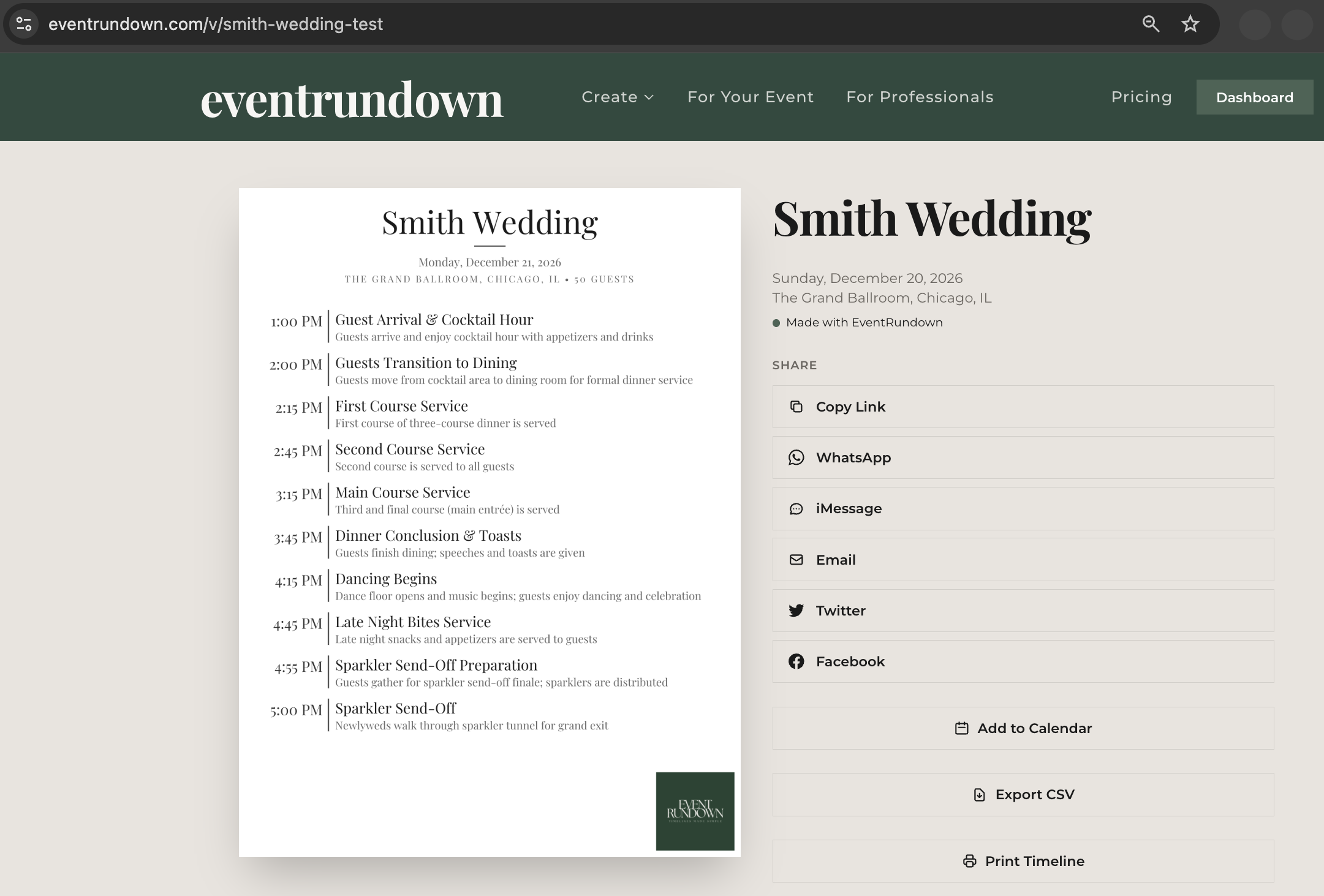
Branded PDF
The PDF export includes:
- A cover page with your logo, event title, date, location, and guest count
- The full timeline on subsequent pages
- No watermark
This is what you email to the client the night before the event, and what you print for the day-of coordinator.
QR code
Your exported image can include a QR code that links to the live viewer page. Scan it with a phone camera and the timeline opens in the browser. Useful for printing the timeline and still letting people access the interactive version.
Per-vendor sharing
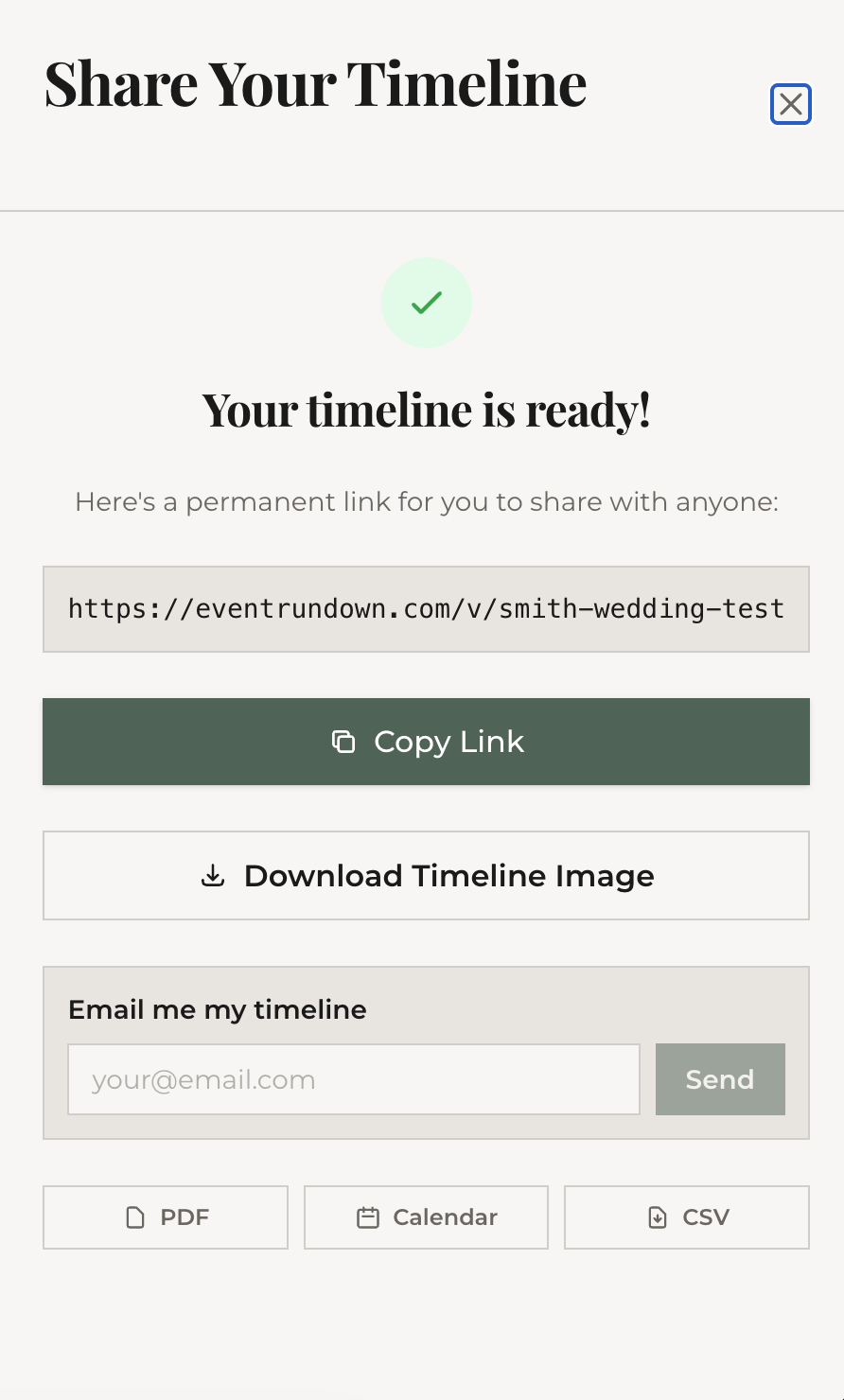
As covered in the vendors article, each vendor with assigned items gets a unique share link. From the Share panel in your dashboard or the editor, copy the vendor-specific URL and send it directly. Vendors see only their items.
All export options
- PNG — Ultra HD, no watermark, with optional QR code and logo
- PDF — branded multi-page document
- ICS — calendar import file
- CSV — spreadsheet export
- Share link — public viewer URL (custom slug available)
- Embed code — iframe snippet for websites
What's next
Last step: set up to-dos and save your timeline as a reusable template.