Downloading a Polished Image
This is where your timeline goes from a web page to something you can print, email, or post.
PNG image export
Click "Publish" in the editor. The default export is a PNG image at 2400x3200 resolution — sharp enough to zoom in on a phone screen or print on standard paper.
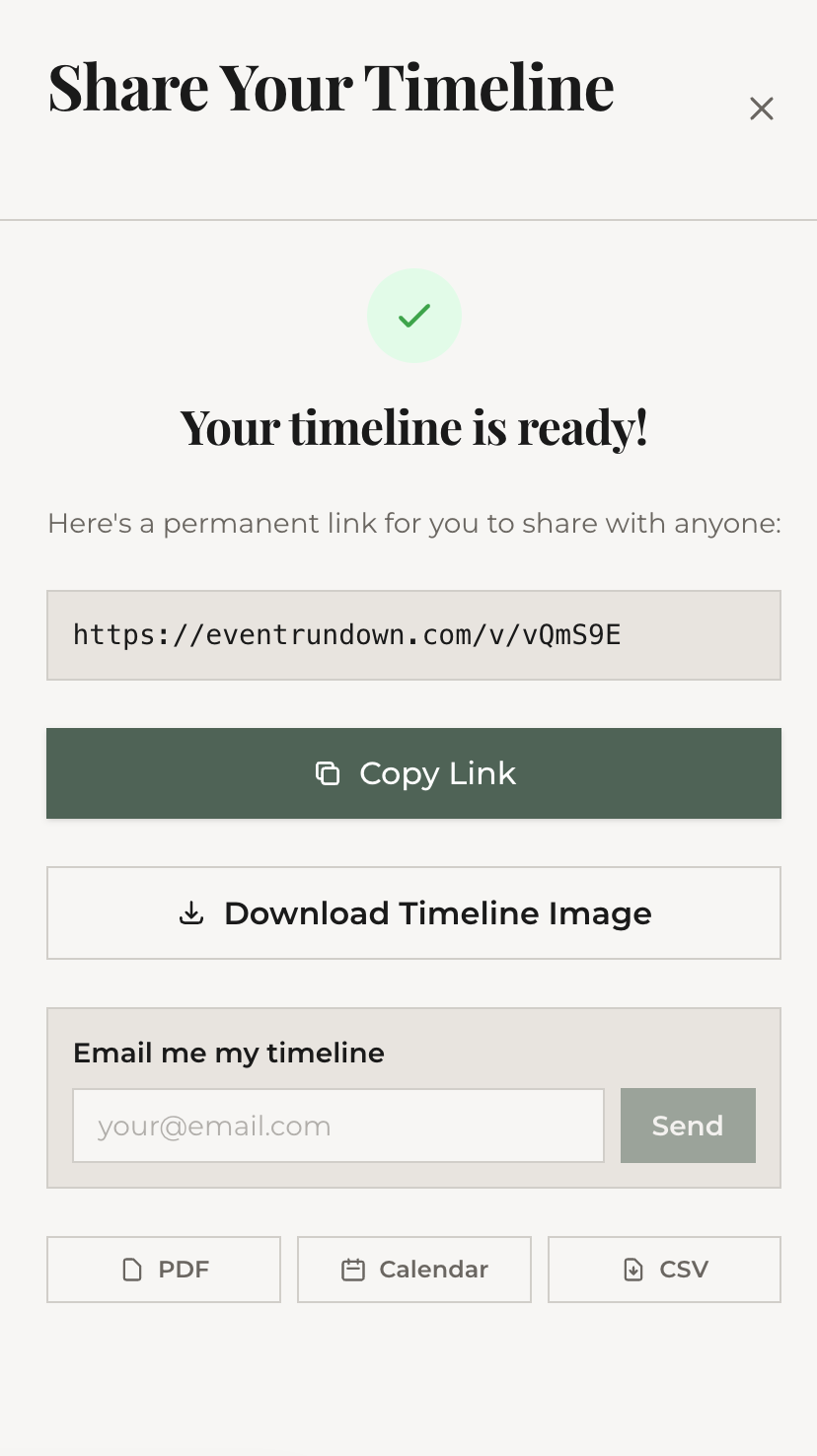
The image includes your event title, date, location, and all timeline items rendered in your chosen theme and layout. If your timeline has more than 15 items, it automatically splits into multiple pages and downloads as a ZIP file.
PDF export
Click the PDF option in the Publish modal. The PDF includes a cover page with your event details followed by the timeline on subsequent pages. Great for emailing to venues, caterers, or family members who prefer a document over an image.
What the free export includes
- 2400x3200 resolution (standard HD)
- Your chosen theme, layout, and font preset
- All timeline items with times, tasks, and descriptions
- A small EventRundown watermark
What's next
Want to save your work so you can come back and edit later? Learn about saving and managing your timelines.