Corporate Event Timeline Templates
Corporate events run on timelines. Whether it's a half-day workshop, an all-hands meeting, a gala, or a multi-day offsite — a clear run-of-show keeps speakers, AV teams, catering, and attendees aligned from start to finish.
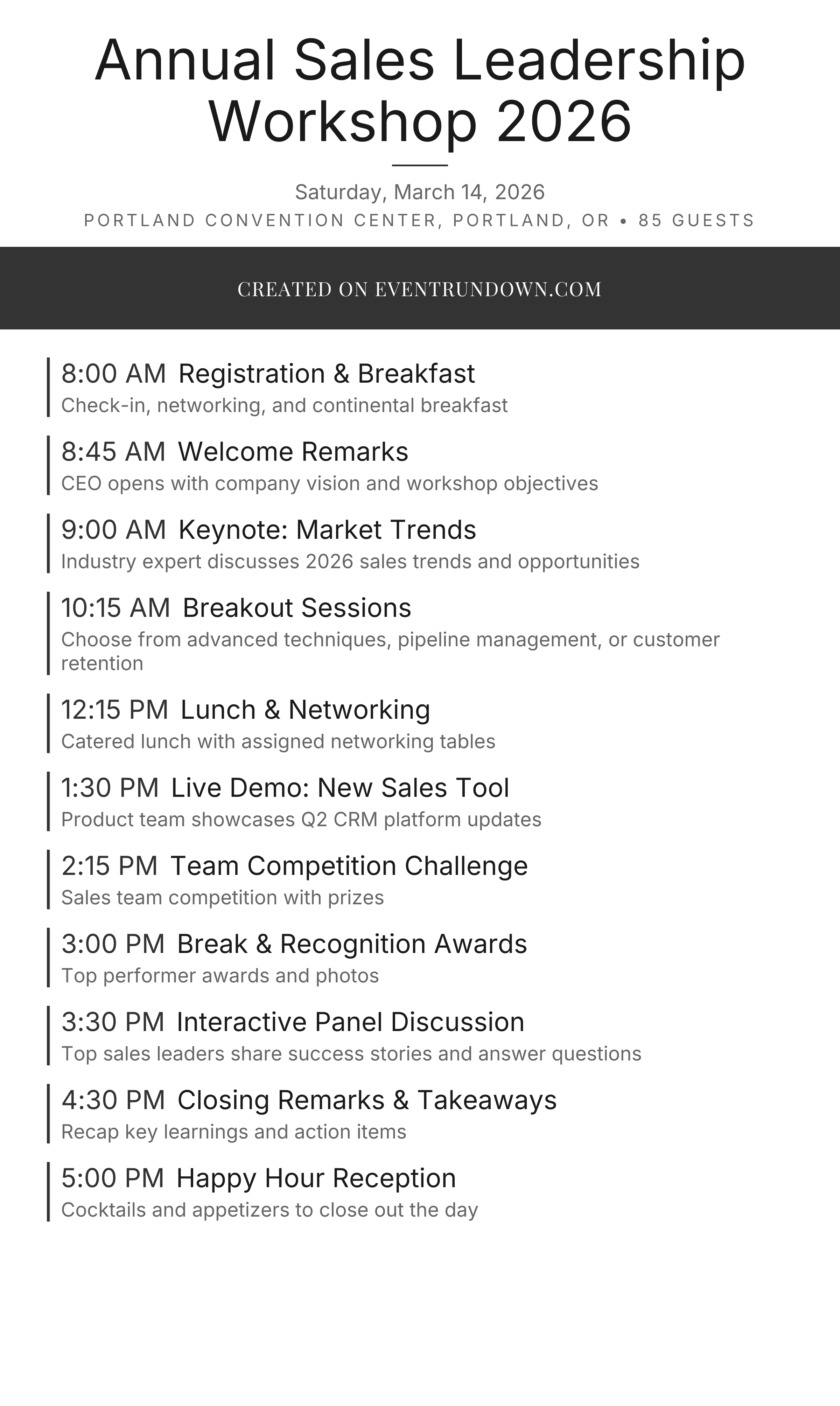
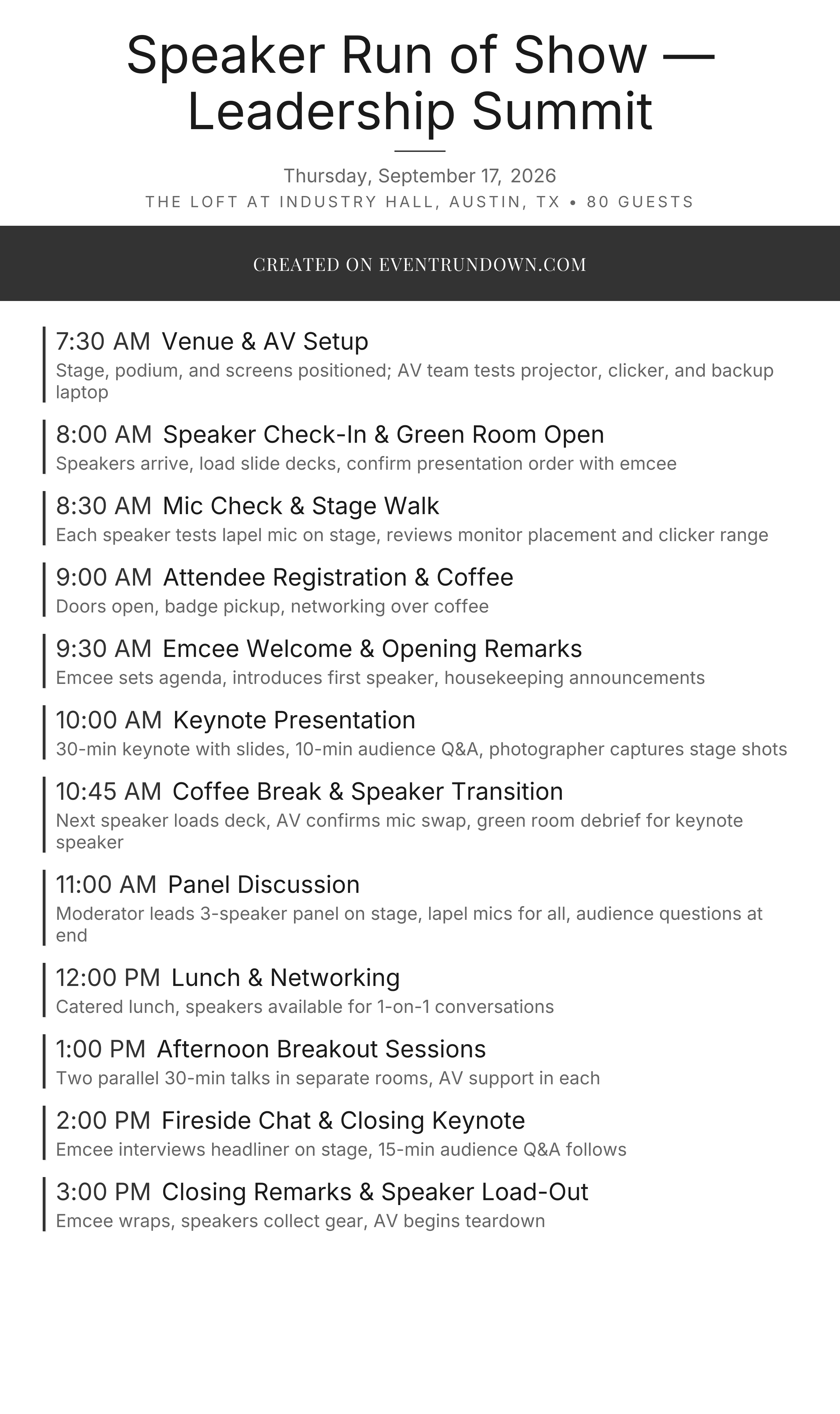
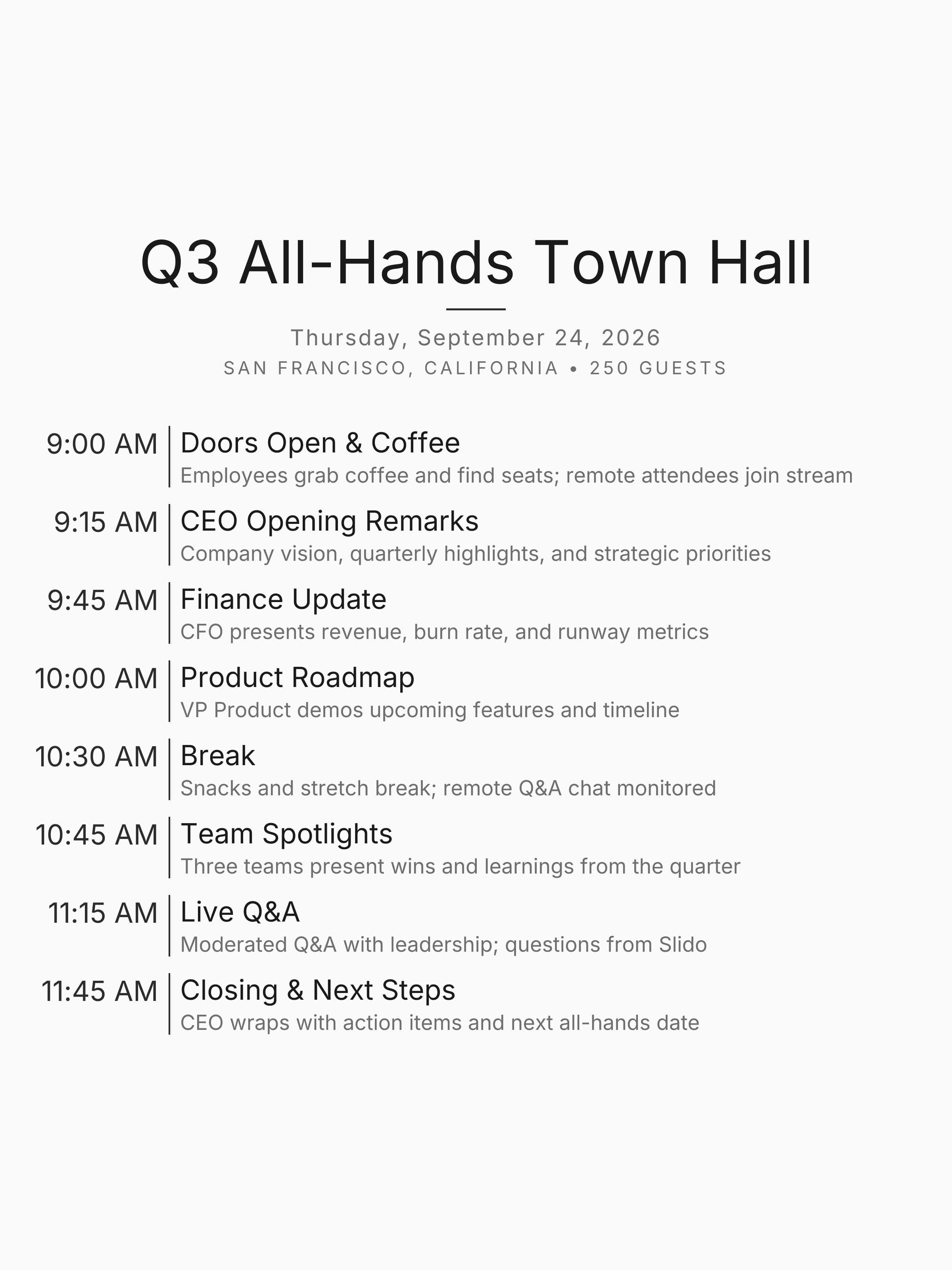
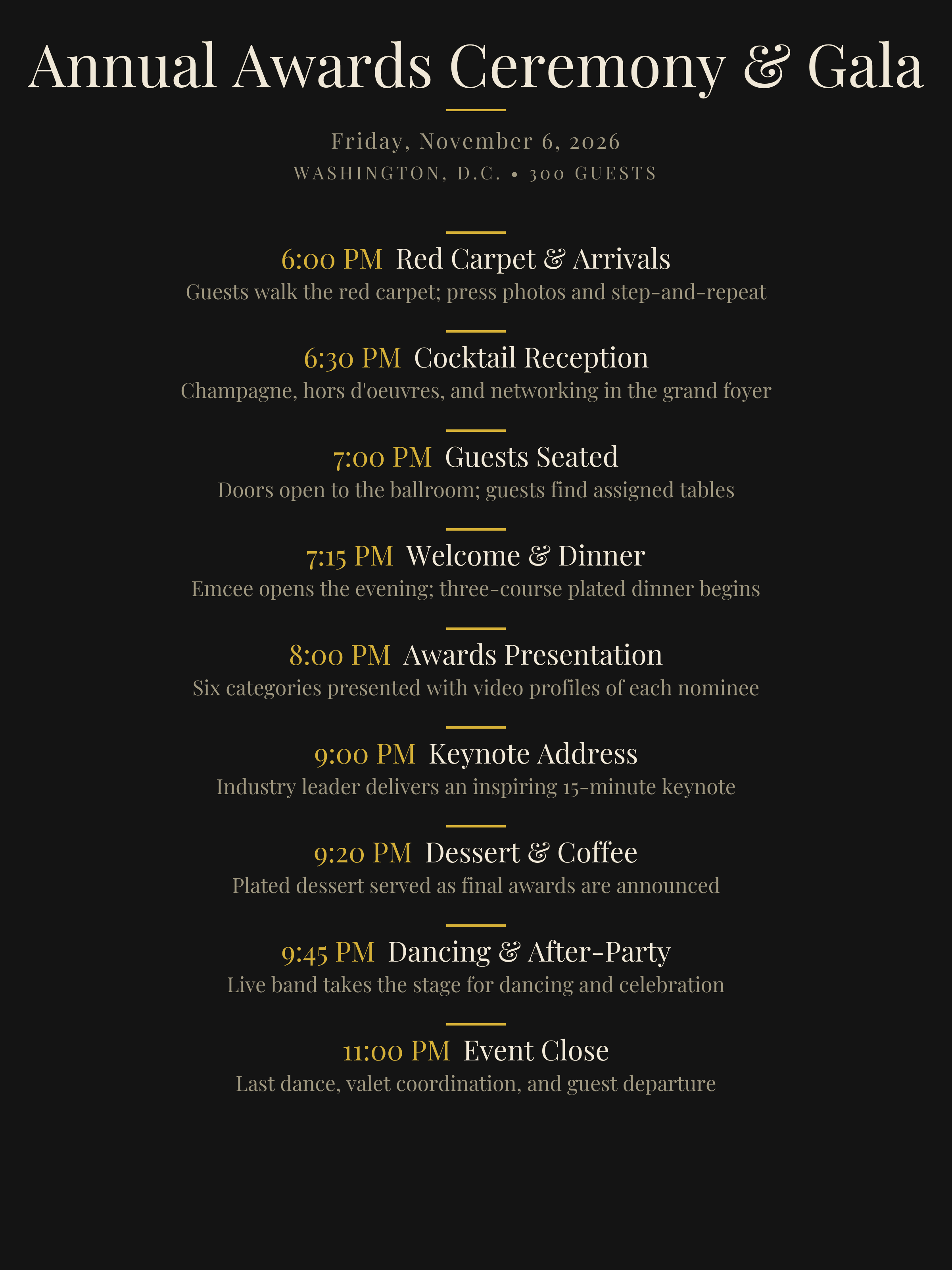
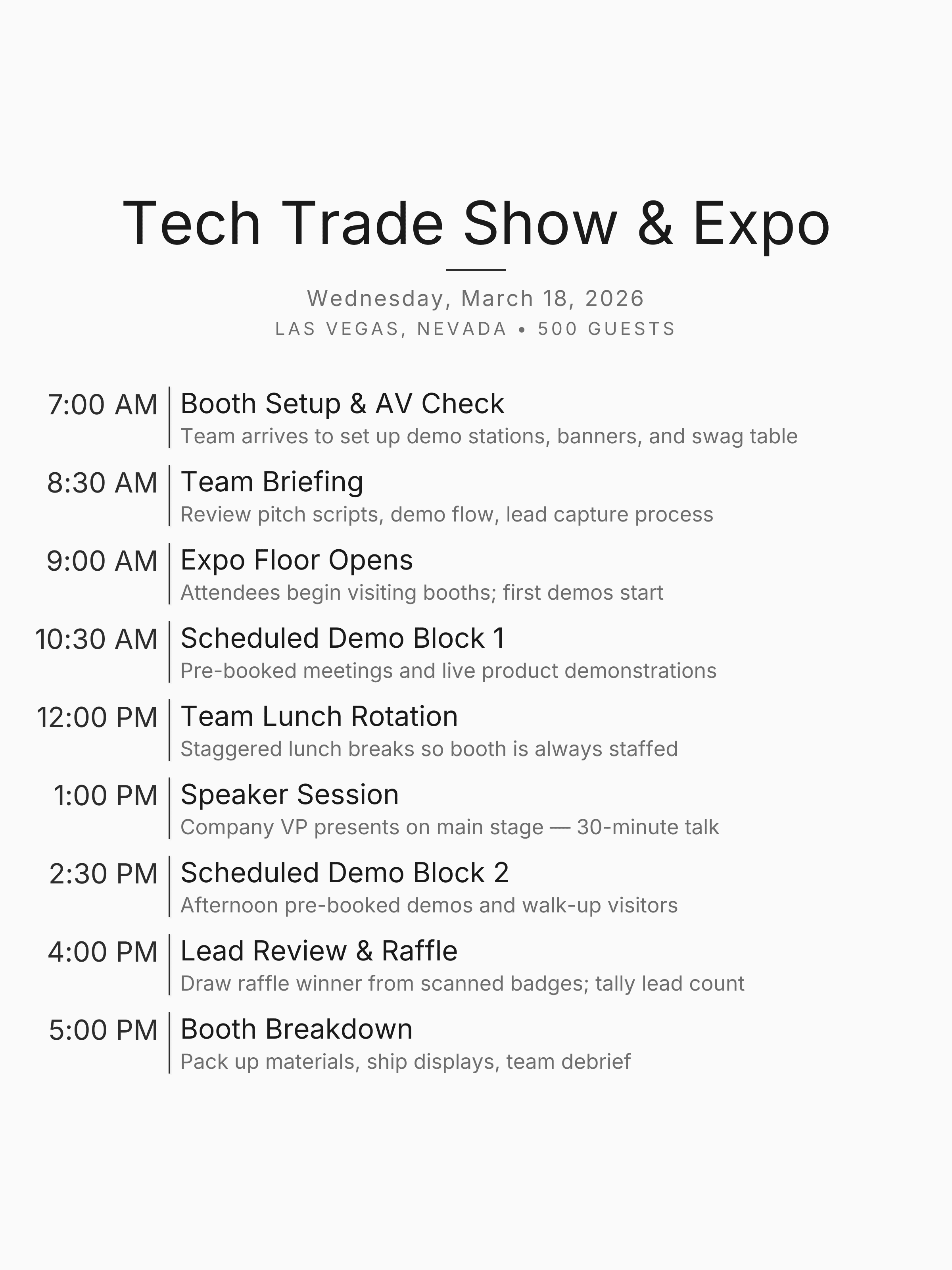
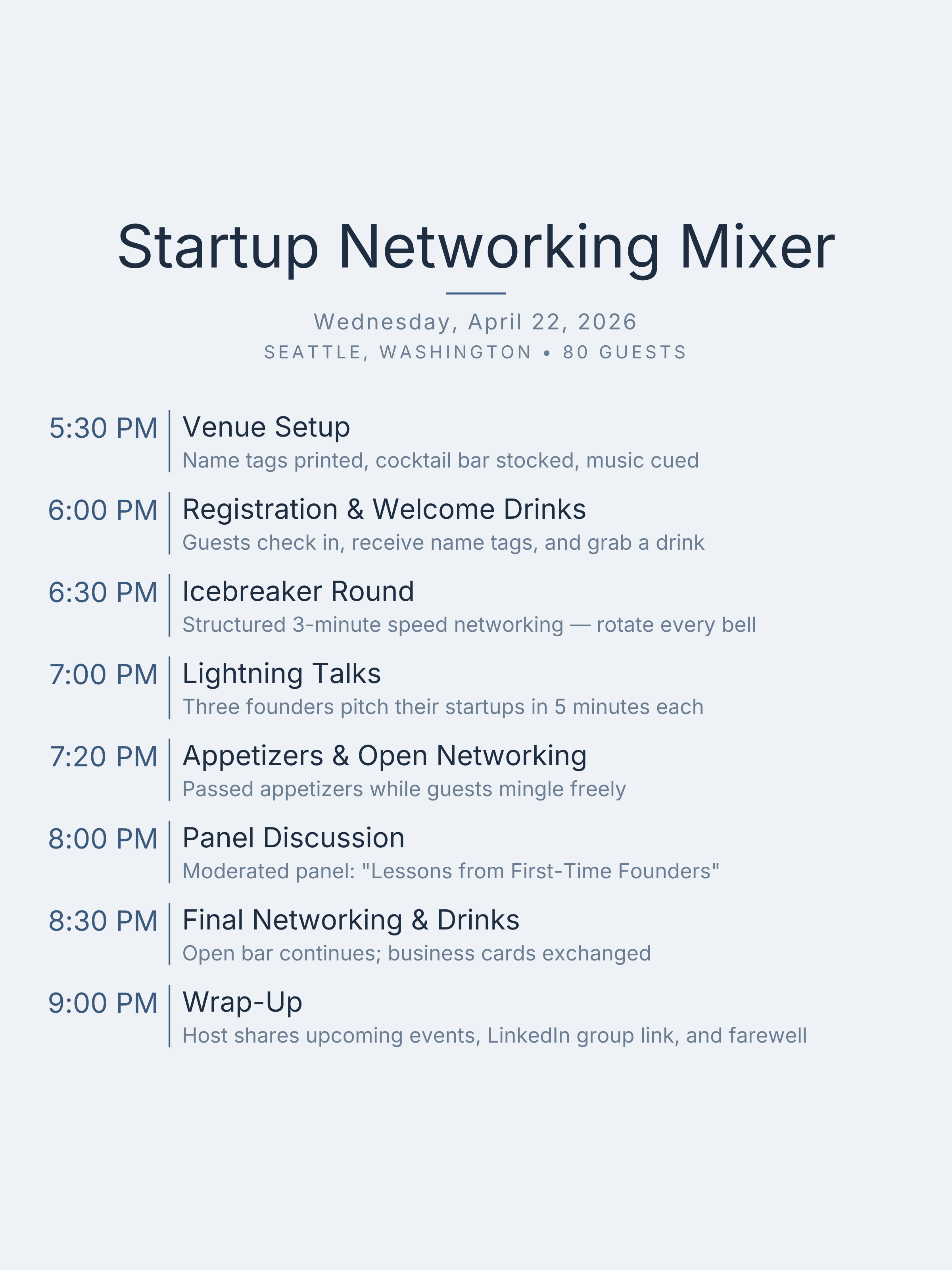
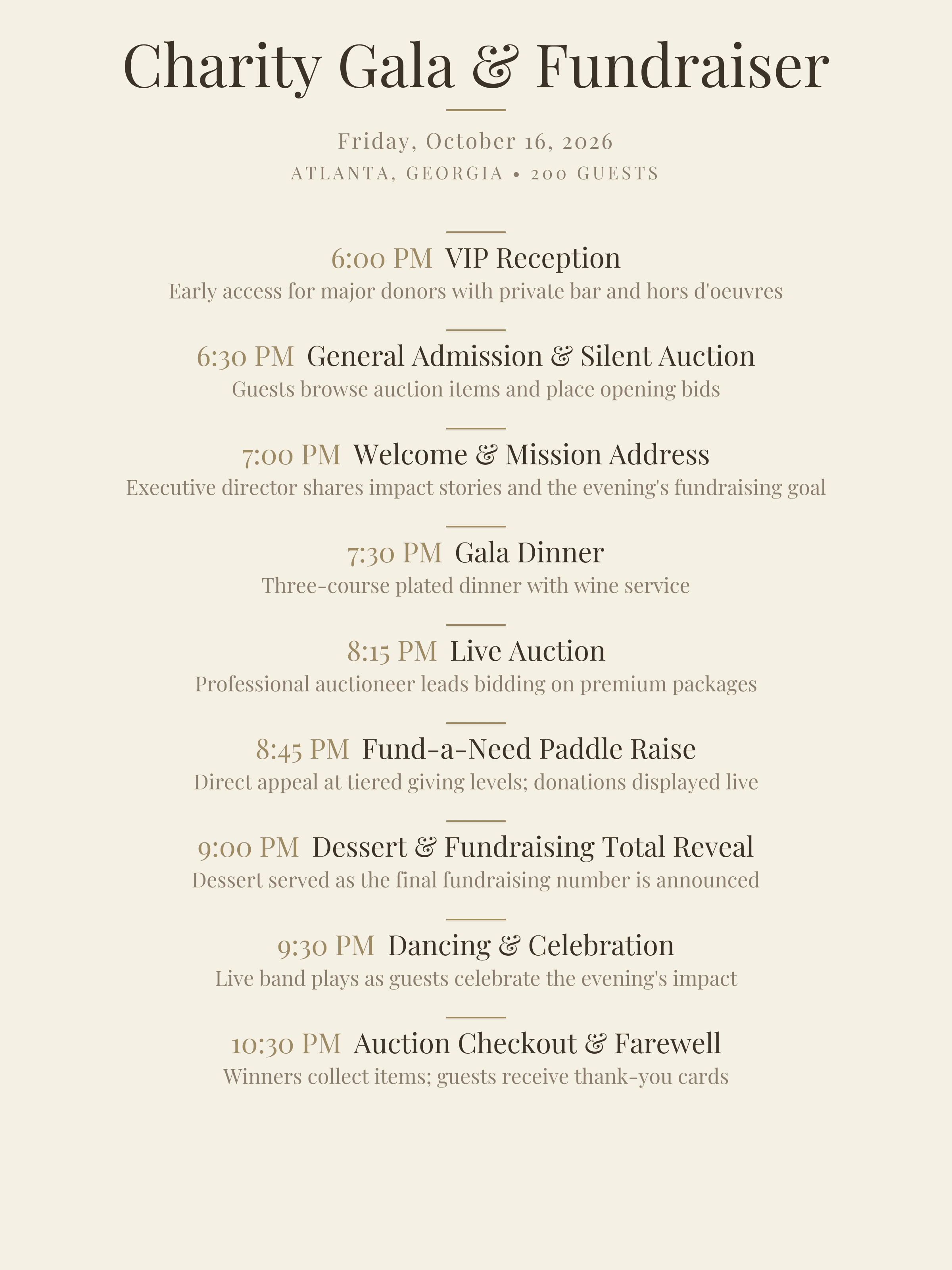
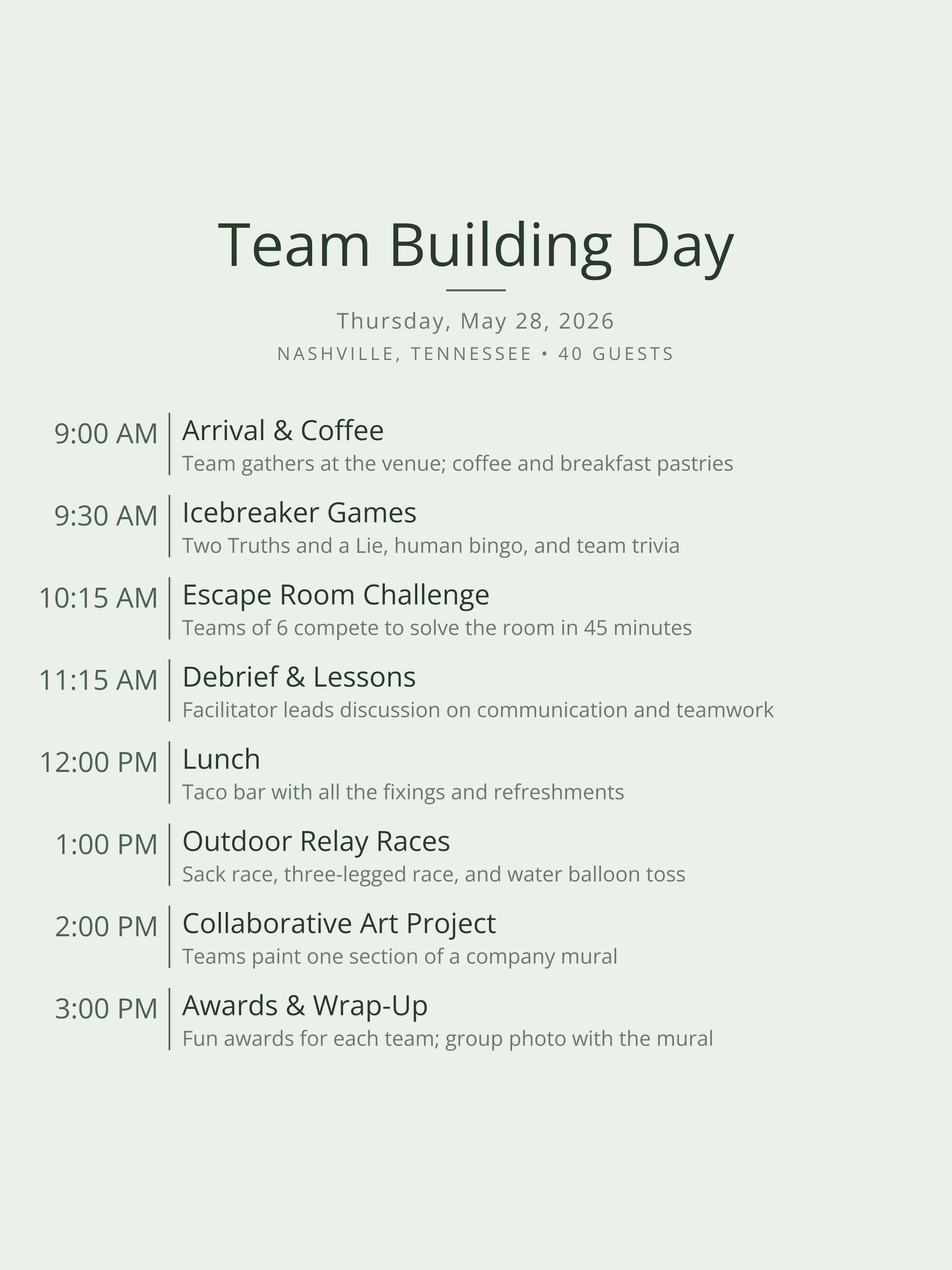
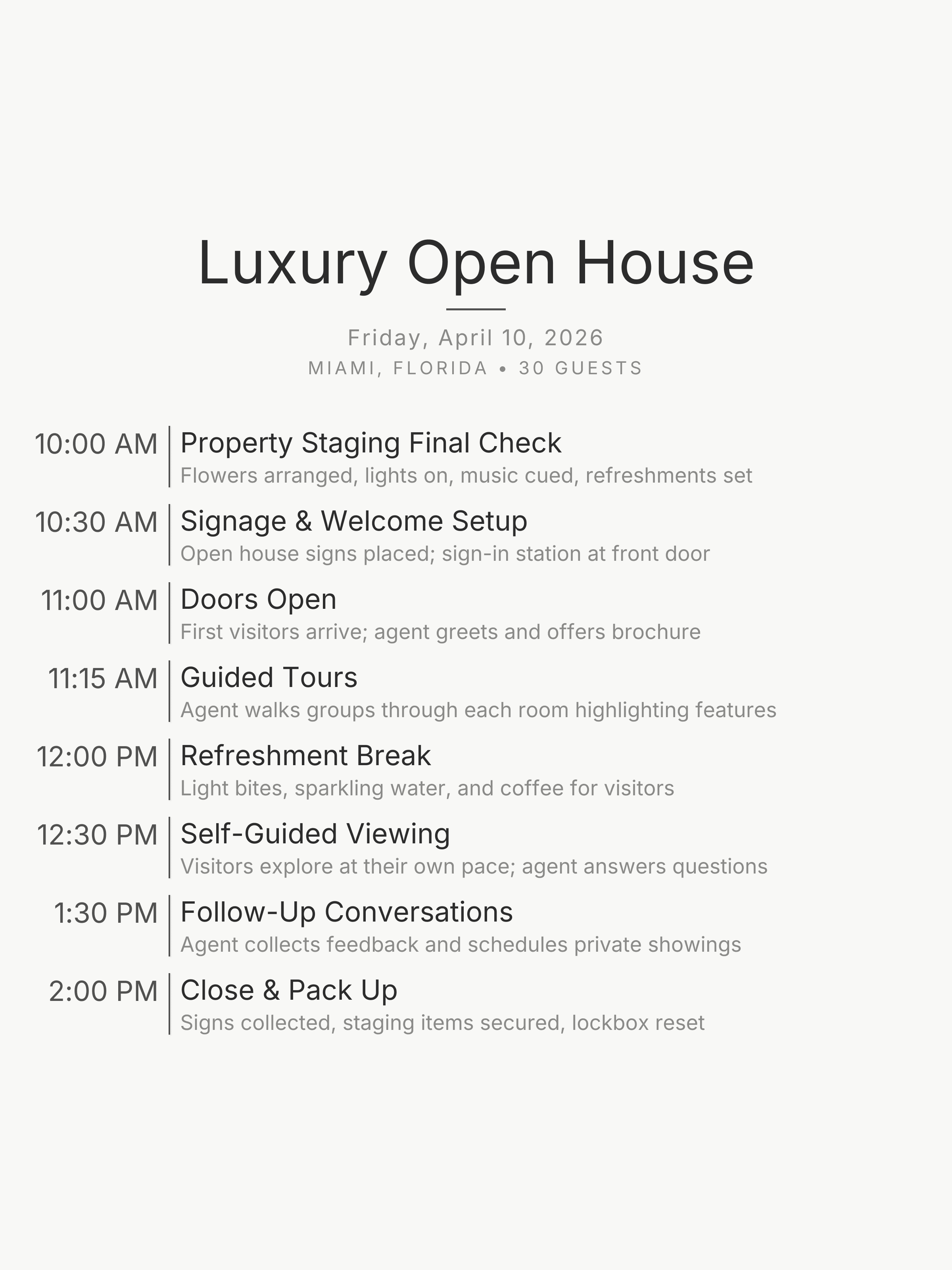
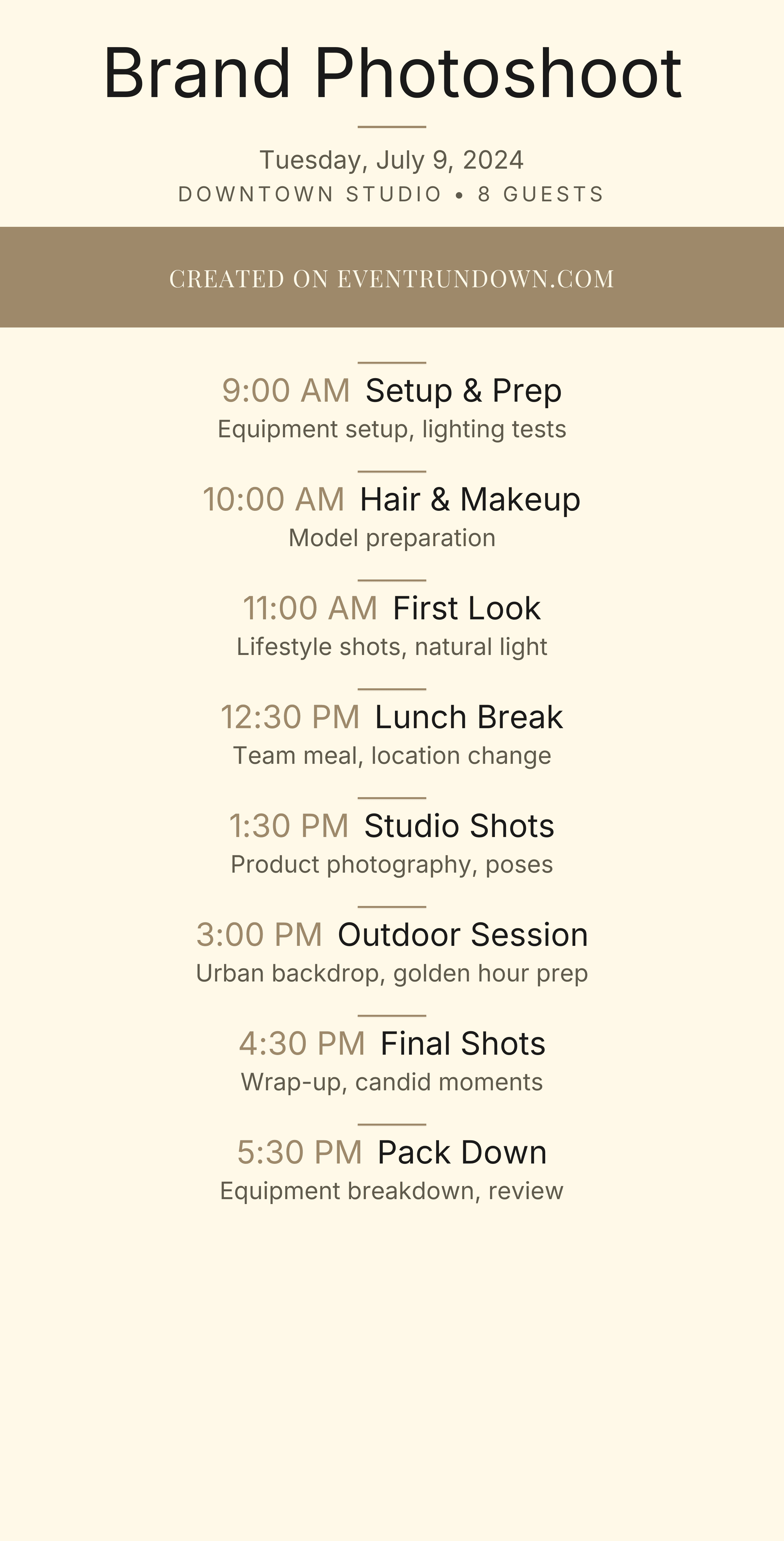
Browse 12 templates covering conferences, award ceremonies, team offsites, trade shows, fundraisers, and more. Each includes realistic time blocks and activity descriptions you can customize for your specific event.
Pick a template below or describe your event to get a custom schedule in seconds.
12 Corporate Event Templates

Tips for Corporate Event Scheduling
- —Schedule 15-minute breaks every 90 minutes — attention drops sharply after that, and people need to check email or get a mental reset
- —Add a 30-minute buffer before the first session for late arrivals and registration overflow
- —Put networking before lunch, not after — people leave early if networking is scheduled last
- —Share the timeline with AV and catering 48 hours out so they can flag setup conflicts
- —Run a full tech check the evening before for any session using slides, live demos, or video
- —For galas and award ceremonies, coordinate food service with the program — guests can't watch award presentations while servers are clearing plates
Frequently Asked Questions
How detailed should a corporate event timeline be?
Include every transition: registration, session starts and ends, breaks, lunch, and networking. Vendors and AV teams need exact times. Attendees appreciate knowing break durations and session topics in advance.
What's the difference between a run-of-show and a timeline?
A run-of-show is a vendor-facing document with detailed cues for AV, catering, and production staff. A timeline is audience-facing — simpler, focused on activity order and start times. Most events need both. Our templates work as either, depending on how much detail you add.
Can I share the timeline with my team?
Every timeline gets a shareable link you can send to speakers, vendors, and attendees. You can also download it as a high-quality image for slide decks or printed handouts.
How do I handle multi-track events?
Create separate timelines for each track or room and share the relevant link with each group. This keeps things clear and avoids information overload for any one audience.
Do these templates work for virtual or hybrid events?
Yes. Add Zoom links, streaming start times, and tech checks as timeline items. The same structure works whether your audience is in the room or watching remotely.
Create Your Corporate Event Timeline
Pick a template or paste your agenda and we'll organize it into a professional, shareable timeline.
Get Started Free